

Two modes
Choose the mode that matches your governance posture: Whitelist when only vetted sources should ever be connectable, Blacklist when the team can use most sources and you only need to rule out specific ones.
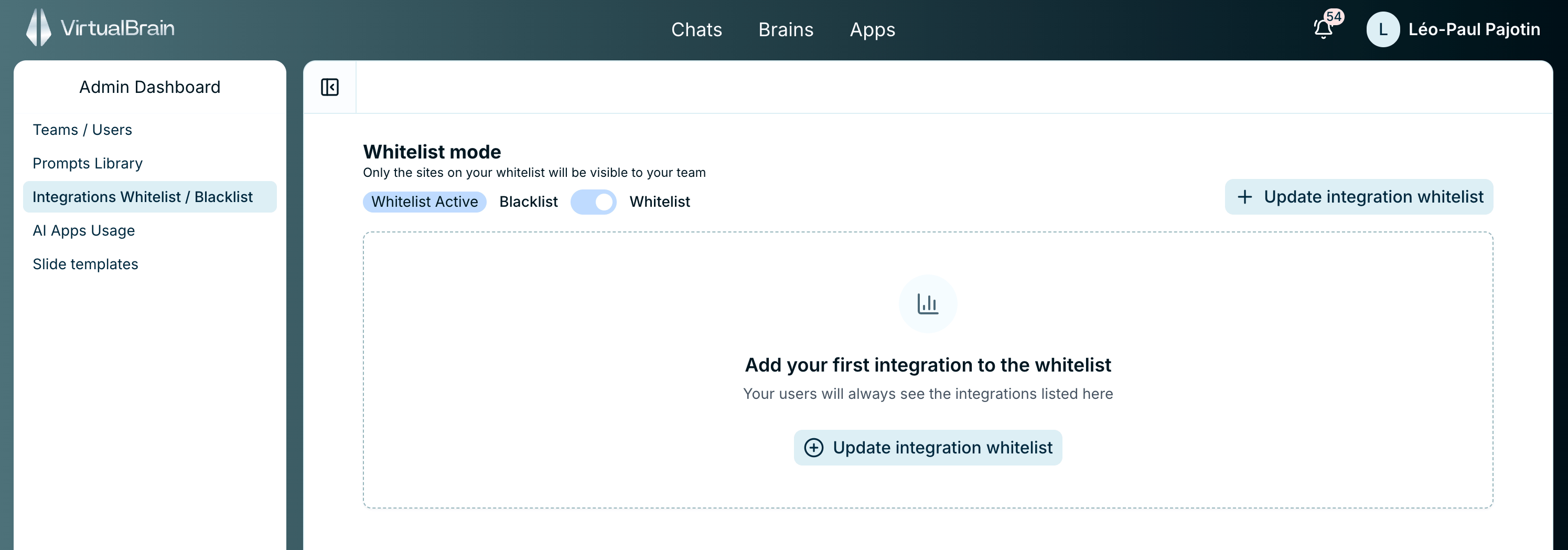
Whitelist and Blacklist modes governing which sources the team can connect
This policy governs the connectors users see when connecting sources to their Brains. Anything outside the policy simply isn’t available to them.
Related
Connectors
How users sync external sources into a Brain, and the platforms VirtualBrain connects to.
Admin Dashboard
The other firm-wide controls available to administrators.