

How sharing works
An App has one owner and is shared with colleagues or teams at one of two levels. The difference is simple: read-only users can run the App but not change it; full access users can also edit it. Sharing with a whole team always grants read-only, so the method stays exactly as its author built it, with every run following the same sources, instructions, and review steps.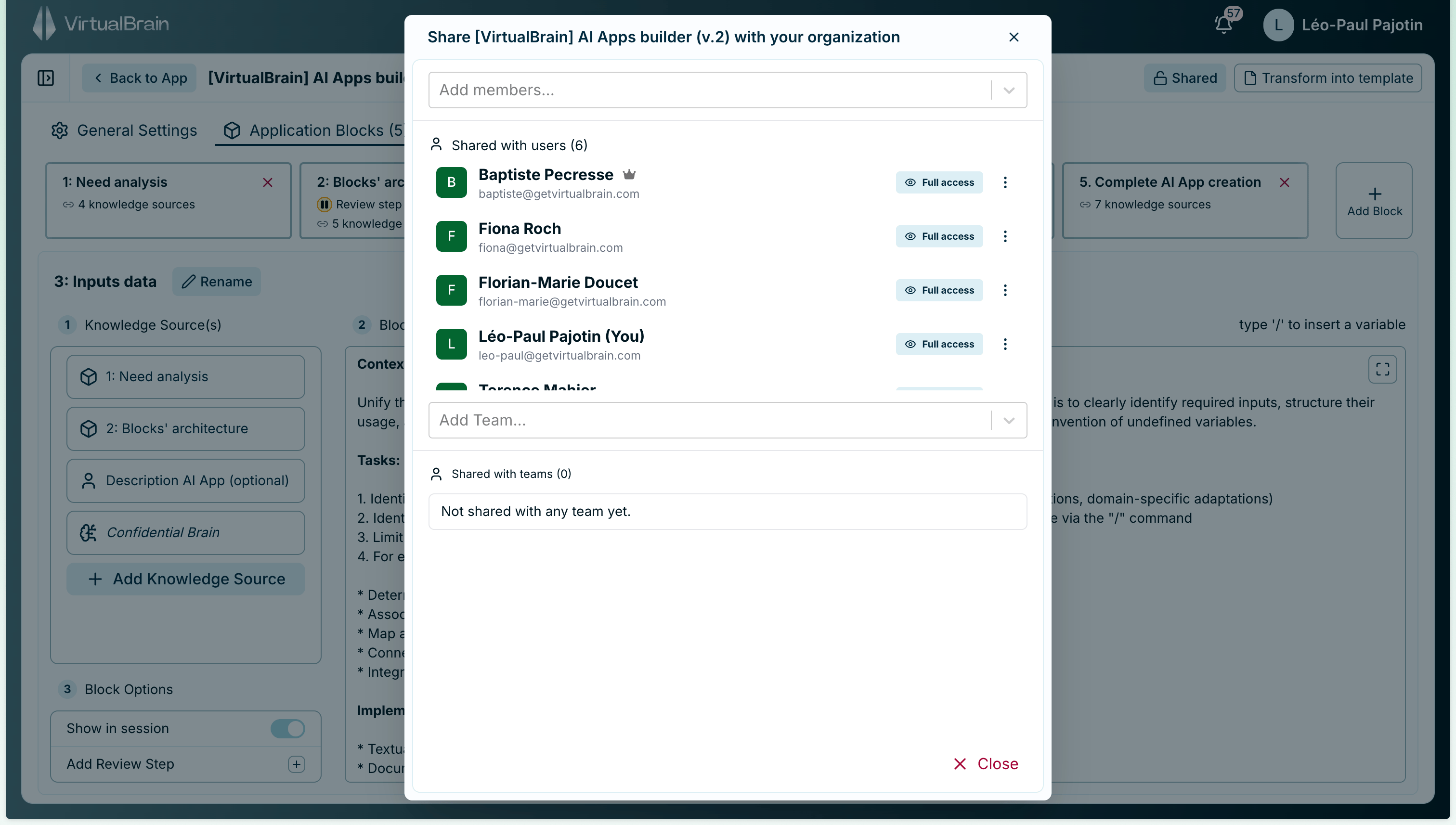
Share an App with colleagues and teams, just like a Brain.
Access levels
Read-only is what makes an App safe to distribute widely: the whole team can run a proven workflow without anyone altering the method. Reserve full access for the colleagues who co-maintain the App.
Ownership and transfer
Full access and the owner can both edit, share, and delete the App; only the owner can transfer ownership. When someone changes role or hands a workflow over, the owner can transfer the App to another member of the same organization. The new owner receives full access and becomes the owner; the previous owner keeps full access unless you remove them, so a live App never breaks mid-handover.Related
Sharing Brains
The same sharing model, applied to your knowledge repositories.
Building Apps
Capture a workflow worth sharing in the no-code builder.